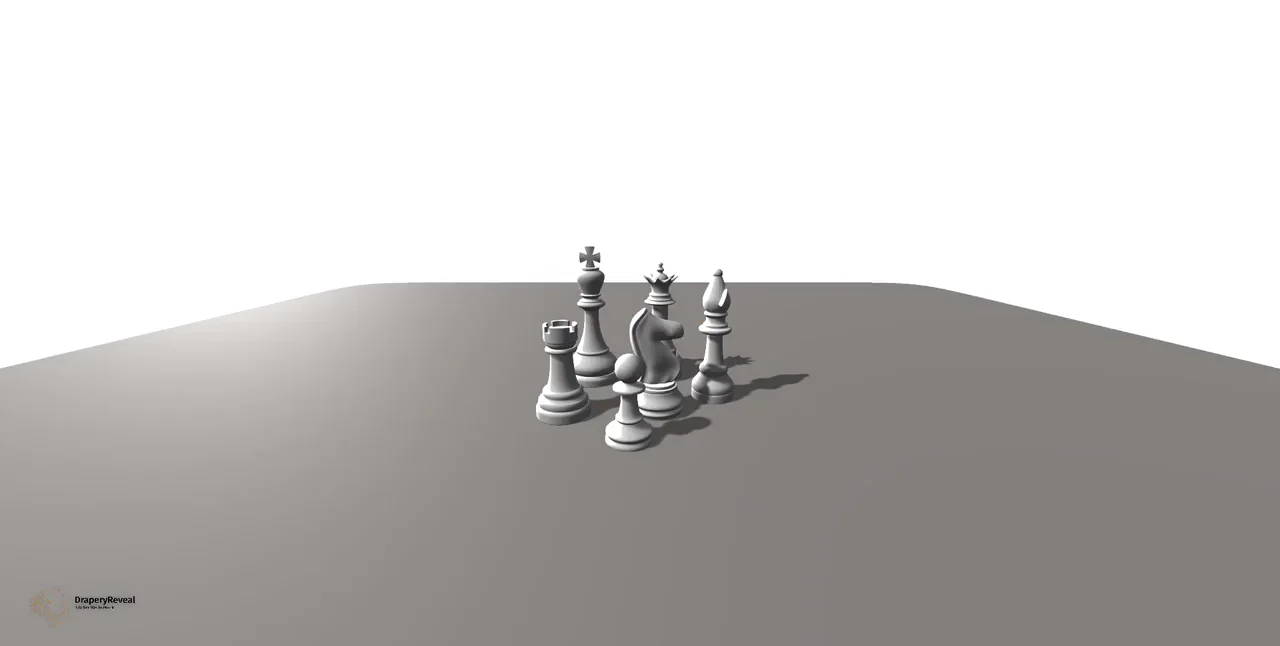
Understand what the conversion involves
Converting a model to video is different from converting one document format to another. A GLB or OBJ describes geometry and, sometimes, materials. An MP4 describes a sequence of rendered frames. The workflow therefore needs a camera, lighting, an environment, animation, a duration, and an encoder—not just a new file extension.
Drapery Reveal provides that scene through a focused cloth-pull workflow. You import the model in the browser, customize how it is presented, simulate the fabric reveal, and record the result. It is intended for a product entrance rather than every kind of 3D animation.
Choose the strongest source file
Use GLB when possible. It is the most dependable option for packaging geometry, materials, and textures into one portable file. A self-contained GLTF can work too, but the editor's single-file model picker does not collect a folder of companion binary and texture files.
OBJ imports geometry without an MTL companion workflow, so plan to apply a material in the scene. STL is also geometry-only and receives a general material. FBX is accepted, but external textures are not assured. 3MF is supported as a model source, though the appearance should always be checked after import.
Before uploading, remove stray geometry and confirm that the model's main shape is complete. The editor automatically centers the object and normalizes its longest dimension for the scene, which makes framing easier but means an absolute real-world scale is not carried into the video.
- GLB: preferred self-contained handoff.
- GLTF: use a self-contained file rather than separate companion assets.
- OBJ and STL: expect to style a general scene material.
- FBX and 3MF: inspect the imported appearance before recording.
Import and inspect the model locally
Open the creator and choose the model file. During normal use, the source model is read and processed in the browser rather than uploaded to the service. Analytics may record broad technical information such as the file extension and size, but not the source filename or model contents.
Orbit, pan, and zoom around the import before adding the cloth. Check the silhouette, orientation, material response, and small components. If the file arrives without expected textures, return to the source application and create a self-contained GLB, or use the scene's material controls when a general finish is sufficient.
A successful import is only the starting point. View it from the same distance and aspect ratio expected in the final video so you can identify details that will be too small or edges that need stronger lighting.
Create the scene and the motion
Choose a surface, background, camera angle, and lighting direction that make the product readable. Add the drape, then adjust cloth color or texture, size, quality, pull direction, speed, height, and distance. You can also tune collider resolution when the shape requires closer interaction.
Preview before recording. The cloth should cover enough of the object to establish anticipation, move clearly through the shot, and finish outside the main hero area. Watch for fabric passing through the model or collecting in front of a feature. A different path can be more effective than simply increasing simulation detail.
Use a recording duration of 1, 2, 3, 5, or 10 seconds. The motion needs to fit inside that window with a visible final hold. A video that ends as soon as the product appears gives the viewer no time to recognize it.
Frame the video before pressing record
Choose the destination early. A vertical composition gives a tall product room in short-form feeds. Square and portrait variants work for feed placements, while landscape gives the scene more horizontal travel and can suit landing pages, presentations, and wider video players.
The available share sizes are 1080×1920 vertical, 1080×1350 portrait, 1080×1080 square, 1920×1080 landscape, and original. These variants are prepared from the recorded result rather than re-rendering the scene independently. Keep the product and the important part of the cloth motion within a central safe area if you intend to use multiple crops.
The renderer follows the current device and quality settings, with capture bounded by the application's maximum dimensions. Do not assume that every device or browser will produce an identical resolution or performance profile. Test the real setup that will be used for the final recording.
Record and verify the MP4
Recording requires an account. Start the capture only after the full preview is stable, then allow the selected duration to finish. MP4 output is available on supported current browsers, but media encoding support varies. The service may use a rendered-video conversion path when direct browser output is unavailable; this does not upload the original 3D model.
Play the downloaded video from beginning to end. Confirm that the file is not blank, motion is smooth enough for its destination, the product is not cropped, and the last frame remains visible long enough. Also test the video in the actual publishing system rather than assuming playback in one local browser proves compatibility everywhere.
If the direct MP4 path is not available in a browser, try a current supported browser or verify the conversion workflow before committing to a production deadline. Avoid promising universal MP4 export until that exact browser and device combination has been tested.
Prepare useful versions without losing the composition
A single source scene can become several campaign assets. Keep a full reveal for a product page, make a tighter vertical version for social, and use a square or portrait variant for a feed. Review each crop because automatic resizing cannot understand which handle, logo, or cloth fold is essential to the composition.
Re-downloading or creating share variants from the same saved recording does not consume another Pro credit. A Pro recording itself consumes one credit and removes the free recording's Drapery Reveal branding. Store the final files according to your own campaign and retention needs rather than assuming unlimited hosted storage.